dd-logo-loader
logo
logo

Language

Awesome Image Awesome Image

Odoo migration and upgrade services

Every Odoo version you skip makes the next migration harder and more expensive. Businesses running unsupported Odoo versions face unpatched security vulnerabilities, broken custom modules, and loss of official support yet over 40% of active Odoo deployments run more than two releases behind the current stable version (Odoo Community Association, 2025). At Digital Dividend, our experienced developers have delivered 300+ software projects across the US, Europe, and GCC, and we bring that same structured delivery rigour to every Odoo migration and upgrade engagement.
Our Odoo migration and upgrade services cover every scenario: upgrading from Odoo 14, 15, or 16 to the latest stable release, migrating from a legacy ERP such as SAP Business One or QuickBooks to Odoo, and switching between hosting environments. Every engagement includes custom module migration, full data validation, staging environment testing, and a structured go-live with hypercare support. Full technical details are available through the official Odoo upgrade service.
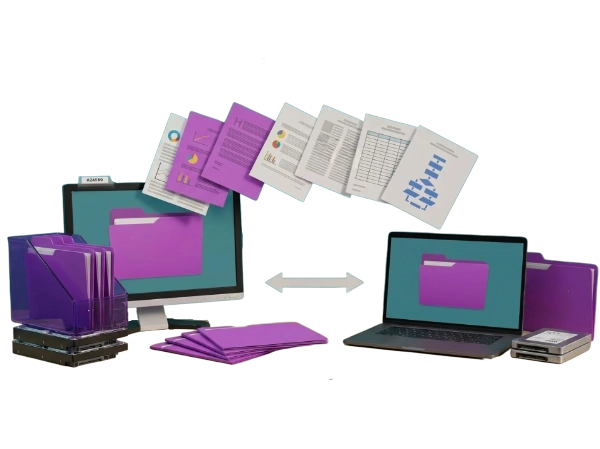
A conceptual data migration graphic illustrating Odoo migration and upgrade services by Digital Dividend. The image features a desktop computer monitor on the left and a laptop on the right, both displaying identical purple folder icons on their screens to signify seamless data synchronization. A sequence of floating document pages containing charts, spreadsheets, text paragraphs, and data flowcharts arcs between the two screens, while a double-headed horizontal grey arrow points to both devices. The setup is surrounded by purple physical folders, folder organizers, and internal hard drive disks, representing a structured server-side data transition on a clean white background.

Get a free Odoo migration assessmenttalk to our senior developers today.

Table of Contents

What is the difference between Odoo migration and upgrade?

An Odoo upgrade moves your existing Odoo instance from one version to a newer version, for example from Odoo 16 to Odoo 17 or Odoo 18, while keeping your existing data, configuration, and custom modules. Odoo version upgrade services require custom module migration because Python APIs, OWL (Odoo Web Library) front-end components, and database schema structures change between major versions.

An Odoo migration is a broader term covering three distinct scenarios: moving from a different ERP platform to Odoo (legacy migration), moving between Odoo editions (Community to Enterprise), or changing your hosting environment (Odoo.sh to self-hosted or cloud). Because migration involves restructuring data models in addition to version compatibility work, it typically requires more planning, longer timelines, and more thorough data validation than a standard upgrade.

What are the benefits of Odoo migration?

Businesses that upgrade to the latest Odoo version gain access to new native AI features, the OWL-based modern UI (user interface), improved performance through PostgreSQL (Odoo’s database engine) query optimizations, and continued security patching from the Odoo team. Odoo upgrade for better performance also delivers measurable reductions in page load times because each major version includes backend rendering optimizations that older versions do not receive retroactively.

Odoo upgrade for enhanced features gives your team access to Odoo Studio improvements, native spreadsheet integration, upgraded Discuss and Knowledge modules, and AI-powered features including predictive lead scoring and automated invoice matching. Because Odoo releases one major version annually, businesses that stay current access these capabilities as they ship rather than accumulating a multi-version migration debt that compounds the cost and complexity of every subsequent upgrade.

What types of Odoo upgrades are available?

There are three primary Odoo upgrade types. A version upgrade moves your instance from one major release to the next, for example Odoo 16 to Odoo 17 or Odoo 17 to Odoo 18. An edition upgrade switches your instance from Odoo Community (the open-source edition with no licensing fee) to Odoo Enterprise (the paid edition with additional modules including Accounting, Manufacturing, and Field Service). A hosting migration moves your instance between deployment environments without changing the Odoo version.

Odoo to Odoo migration is a fourth category relevant to businesses that need to merge two separate Odoo instances, for example after a company acquisition, or to split a single Odoo instance into two separate legal entities. Each migration type has a different technical approach, different data handling requirements, and different testing scope. Our professional developers scope each type explicitly in the project specification so you understand exactly what is being done and why.

Odoo migration and upgrade services we deliver

Our software development company delivers Odoo migration and upgrade services across six structured service areas, each built around minimizing downtime, protecting data integrity, and ensuring every custom module survives the migration without rework.

Odoo version upgrade services

We migrate your Odoo instance from any version from Odoo 14 onward to the current stable release, including Odoo 17 and Odoo 18. Odoo version upgrade services use Odoo’s official migration scripts as the base layer, supplemented by our experienced developers’ manual migration work for custom modules, inherited views, and custom report templates that the automated scripts do not handle.

Odoo to Odoo migration

For businesses merging Odoo instances after acquisitions or splitting entities, we manage the database restructuring, record deduplication, master data harmonization, and custom module consolidation required to combine or separate Odoo environments cleanly. Every Odoo to Odoo migration includes a full data audit before and after to confirm record counts, financial balances, and inventory valuations match the source system.

Odoo migration from legacy ERP systems

We migrate master and transactional data from legacy ERP platforms including SAP Business One, Microsoft Dynamics NAV, QuickBooks, Tally, and custom-built ERP systems into Odoo using structured ETL (extract, transform, load) pipelines. Our ERP software development services experience across multiple ERP architectures means our developers understand the data model differences that cause migration failures when handled by Odoo-only specialists.

Odoo custom module migration

Custom modules built on Odoo 14 or 15 do not automatically work on Odoo 17 or 18 because Python APIs, ORM (object-relational mapping) methods, and OWL JavaScript components change between major releases. Our experienced developers migrate every custom module individually, updating Python inheritance patterns, rewriting deprecated OWL components, and validating custom business logic against the new version’s core behavior before any production deployment.

Odoo migration for cloud integration

Odoo migration for cloud integration covers moving self-hosted Odoo instances to AWS (Amazon Web Services), Google Cloud Platform, or Microsoft Azure, and migrating from Odoo.sh to self-hosted cloud infrastructure. Because cloud migration involves server provisioning, PostgreSQL database transfer, filestore migration, and DNS (domain name system) cutover, our professional developers manage each step with documented rollback procedures at every stage.

Odoo upgrade and support services

Post-upgrade, our Odoo support and maintenance services provide a structured hypercare period covering user query resolution, bug triage, and performance monitoring in the 30 to 90 days after go-live where the majority of post-upgrade issues surface. Ongoing annual upgrade management is available as a retainer, so your team never again faces an emergency migration from a version that has fallen out of official support.

What is the process for Odoo upgrade?

Our Odoo migration and upgrade process follows four structured stages. Each stage has defined inputs, outputs, and sign-off criteria before the next stage begins because upgrades that skip formal sign-off gates are the ones that surface data integrity issues after go-live.

Pre-migration analysis and planning

We audit your current Odoo instance: version, installed modules, custom code volume, third-party integrations, and data volume. This audit produces a migration complexity assessment, a custom module inventory, and a project plan with milestones, rollback decision points, and a confirmed go-live date. Because every skipped version adds migration complexity, we also advise on whether a phased upgrade path or a direct jump to the latest version is the lower-risk approach for your specific instance.

Custom module migration and compatibility testing

Every custom module is migrated in an isolated development environment and tested against the target Odoo version before any data migration begins. Compatibility testing covers Python API changes, OWL component rewrites, database schema migration, and regression testing of all custom business logic against real data scenarios. Our experienced developers document every change made to each module, producing a change log your team owns permanently.

Data migration and validation

Master data (customers, suppliers, products, chart of accounts) and transactional data (open invoices, stock moves, purchase orders, sales orders) are migrated using Odoo’s official migration scripts supplemented by custom Python migration scripts for data that falls outside the standard migration scope. Every migrated dataset is validated against the source system using record count checks, financial balance reconciliation, and inventory valuation confirmation.

Go-live and hypercare support

Go-live is executed as a structured cutover event with a pre-defined rollback procedure available for the first 48 hours post-launch. Our professional developers remain on standby during the cutover window and provide active hypercare support for 30 days post-launch, resolving the user-reported issues and performance anomalies that always emerge in the first billing cycle after a major version change.

Can Odoo migration affect my data?

Yes, if the migration is performed without proper staging, validation, and rollback planning. The three most common data risks in an Odoo migration are: record loss caused by incomplete ETL scripts that silently skip records failing validation rules, financial imbalance caused by migration scripts that do not handle multi-currency or multi-company accounting correctly, and custom field data loss caused by schema changes between Odoo versions that overwrite non-standard field configurations.

Our software development agency eliminates these risks through a three-stage data protection process: full database backup before any migration work begins, staging environment validation confirming every migrated record against the source database before production cutover, and a 48-hour rollback window after go-live where we can revert to the pre-migration production environment if a critical data issue surfaces. Odoo migration and data transfer is never a one-step process in a production environment.

Odoo upgrade services in the US: industries we serve

Our experienced developers with AI have delivered Odoo migration and upgrade projects across manufacturing, e-commerce, nonprofits, and small businesses, each with industry-specific data migration and compliance requirements.

A five-panel collage demonstrating Odoo upgrade services in the US industries we serve by Digital Dividend. The collage highlights diverse market applications: the top-left panel shows a professional analyzing corporate financial books with a calculator; the large right panel depicts a healthcare setting with a doctor filling out medical documents next to a stethoscope; the bottom-left panel illustrates automated manufacturing with a yellow robotic arm packing cardboard boxes on a conveyor belt; the center panel features a logistics display of a hand truck carrying boxes over an open laptop showing e-commerce integrations; and the bottom-right panel highlights e-commerce fulfillment with a worker applying a shipping label to a parcel.

What is the cost of Odoo migration services?

Odoo migration services cost is determined by three variables: the number of Odoo versions being skipped (each skipped version adds migration complexity), the volume of custom modules requiring individual migration, and the volume and complexity of historical data being transferred.

Migration scope Description Typical cost Timeline
Single version upgrade One version step, minimal custom modules, standard data $4,000 – $12,000 2 – 5 weeks
Multi-version upgrade 2+ version steps, moderate custom modules, full data migration $12,000 – $30,000 5 – 10 weeks
Legacy ERP to Odoo Full migration from SAP, QuickBooks, Tally, or custom ERP $20,000 – $60,000 8 – 20 weeks
Enterprise multi-site Multi-company, complex modules, international data compliance $60,000+ 16 – 32 weeks

All engagements include a pre-migration audit, staging environment setup, data validation, go-live support, and 30-day hypercare as standard. Our software development agency provides a fixed-scope cost estimate after the pre-migration analysis stage, so your budget is confirmed before any migration work begins. Ongoing annual upgrade management retainers start from $1,500 per year.

How to choose an Odoo upgrade service?

The most important question to ask any Odoo migration and upgrade services provider is how they handle custom module migration specifically. Providers who rely entirely on Odoo’s official automated migration scripts deliver incomplete migrations for any instance with custom modules, because the automated scripts do not migrate custom Python logic, custom OWL components, or custom database schema extensions. Ask for a specific custom module migration methodology before engaging any provider.

Verify that the provider runs every migration through a staging environment that is a true mirror of your production instance, including all integrations and third-party connections. Providers who test migrations on a stripped-down staging environment regularly miss integration failures that only surface when the full production data volume and connected systems are present. Digital Dividend’s migration process uses production-mirrored staging as a non-negotiable step. Read our blog on software development outsourcing to understand our in-house delivery model and team structure.

Ready to scope your Odoo migration? Book a free assessment with our senior developers.

Odoo migration and upgrade: real results

Our software development company has delivered ERP migration, data platform, and operational system projects across manufacturing, distribution, and enterprise sectors. Explore our full case studies portfolio for detailed delivery evidence.

NexaFlow Distribution — ERP platform migration and consolidation

We migrated NexaFlow from a legacy distribution management system to a fully configured Odoo instance, covering master data migration for products, suppliers, and customers, transactional data migration for open purchase orders and inventory stock moves, and custom warehouse allocation module development. The migration was completed in 12 weeks with zero data loss confirmed through pre and post-migration record count validation.

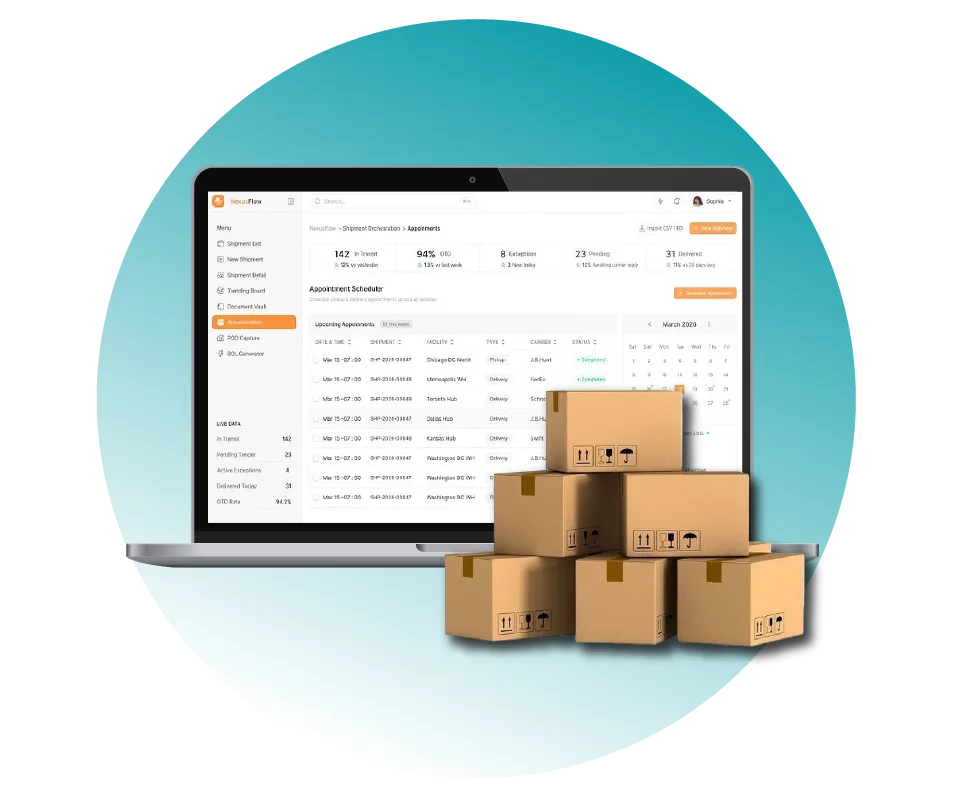
Digital Dividend implementing NexaFlow Distribution, ERPNext for a Multi-Warehouse Distributor, showing a professional appointment scheduling dashboard and shipping boxes on a laptop screen.
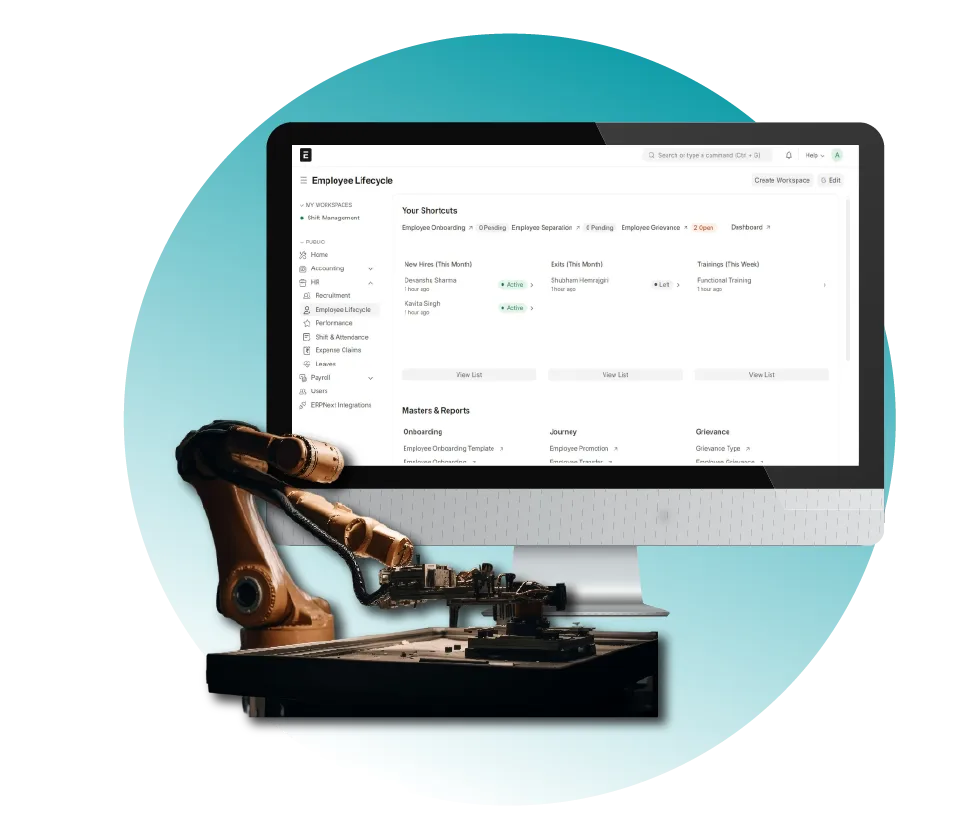
Digital Dividend providing BuildCore Manufacturing, ERPNext for a 200-Employee Production Firm, featuring an employee lifecycle management dashboard and an industrial robotic arm.

BuildCore Manufacturing — ERPNext upgrade and module migration

For BuildCore, our experienced developers managed a full ERPNext version upgrade including custom BOM module migration, production workflow logic updates, and quality control checkpoint configuration migration. The upgrade was tested across a full production data mirror in staging before cutover, with a 30-day hypercare period that resolved three post-upgrade edge cases in the custom production planning module.

FlowPilot Systems — ERP and IoT platform migration

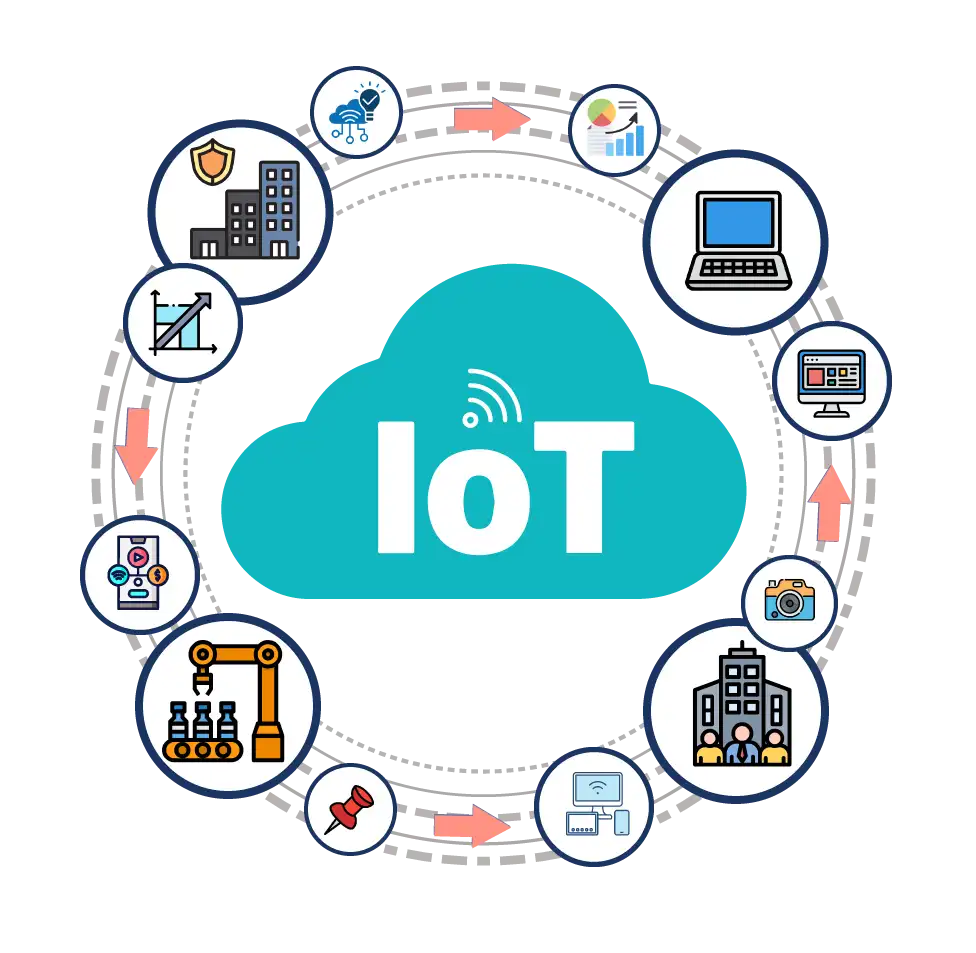
We migrated FlowPilot’s operational platform from a legacy ERP to an Odoo-based system integrated with live IoT (Internet of Things) sensor data, managing both the ERP data migration and the re-establishment of all IoT integration connections in the new environment. The migration included full PostgreSQL database transfer, filestore migration, and DNS cutover with zero unplanned downtime.

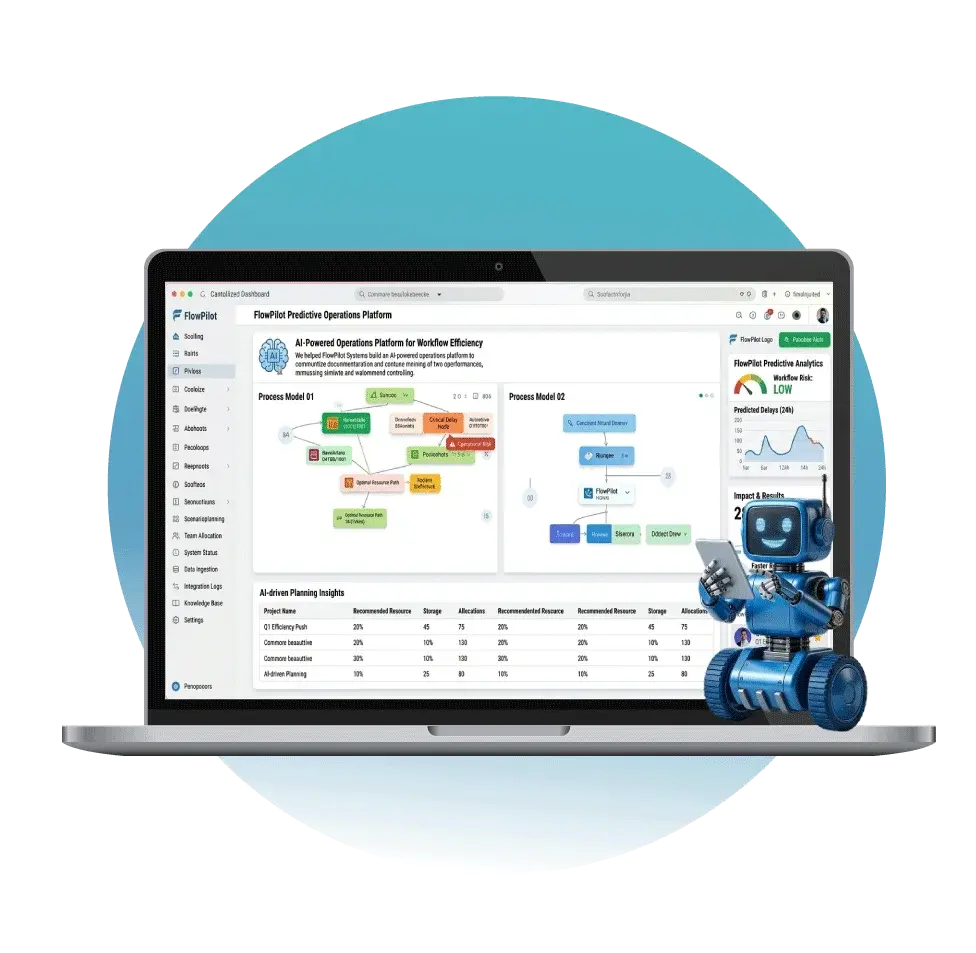
A laptop showing a Predictive Operations Platform for FlowPilot Systems dashboard with process models and efficiency charts, accompanied by a small blue robot assistant, built by Digital Dividend.

Our delivery track record

With 15+ years of experience, 300+ projects delivered, and 100+ in-house developers across the US, Europe, and GCC, every Odoo migration and upgrade we deliver is grounded in real production data handling experience, not template-based migration playbooks.

Smart Solutions Across Multiple Technologies

Digital Dividend specializes in software development, mobile apps, eCommerce, CMS, IoT integration, analytics, and healthcare product solutions.

Scale your business with expert Odoo migration and upgrade services.

Digital Dividend provides skilled Odoo specialists to seamlessly migrate, upgrade, and optimize your ERP system for improved performance.

Frequently asked questions

Yes, for simple instances with no custom modules and minimal transactional data. Odoo provides an official migration script tool at upgrade.odoo.com that handles standard module upgrades automatically. However, any instance with custom modules, third-party integrations, or more than two years of transactional data introduces migration risks that the automated tool does not handle, including custom Python logic migration, OWL component rewrites, and data validation across migrated records. Professional Odoo migration and upgrade services eliminate these risks.

A single-version upgrade with minimal custom modules takes 2 to 5 weeks. A multi-version upgrade skipping two or more releases takes 5 to 10 weeks because each skipped version adds custom module migration complexity. Legacy ERP to Odoo migrations run 8 to 20 weeks depending on data volume and the source system’s data structure. Enterprise multi-site migrations take 16 to 32 weeks. All timelines are confirmed after the pre-migration audit, not estimated from an initial discovery call.
The five primary risks are: data loss from incomplete ETL scripts, financial imbalance from currency or multi-company accounting migration errors, custom module failure from unresolved Python API deprecations, integration breakage from third-party API connections that are not re-established in the new environment, and extended downtime from go-live cutover issues that were not identified in staging. All five are eliminated by a structured migration process with production-mirrored staging, full data validation, and a 48-hour rollback window at go-live.

A complete Odoo migration services engagement from Digital Dividend includes: pre-migration audit and complexity assessment, production-mirrored staging environment setup, custom module migration with full compatibility testing, ETL data migration with pre and post-migration record validation, third-party integration re-establishment, user acceptance testing support, go-live cutover management with rollback procedures, and 30-day hypercare support. Ongoing annual upgrade management is available as a retainer add-on through our Odoo support and maintenance service.

Start with a pre-migration audit of your current system: document every custom module, every third-party integration, and the volume of transactional data you need to carry across. Small businesses migrating from QuickBooks or Tally to Odoo typically have straightforward master data but complex chart-of-accounts mapping requirements. The highest-risk step for small businesses is financial data migration because an imbalanced opening trial balance in Odoo creates reporting errors that compound over every subsequent accounting period. Our professional developers scope and price small business migrations from a fixed-scope proposal after the audit, giving you a confirmed budget before any work begins.

What our clients say

Ready to migrate or upgrade your Odoo?

Whether you are upgrading from Odoo 14 to Odoo 18, migrating from QuickBooks to Odoo, or consolidating two Odoo instances after an acquisition, Digital Dividend has the in-house migration capability and the structured process to do it without data loss or unplanned downtime. Our expert developers handle every stage from pre-migration audit through go-live and post-launch support, with project leadership from our teams in Sweden and the USA. Explore our Odoo customization services or our Odoo implementation services if you are also planning new module development alongside your upgrade.

circle-shape-with-line
bottom-banner-image

    This site is registered on wpml.org as a development site. Switch to a production site key to remove this banner.